

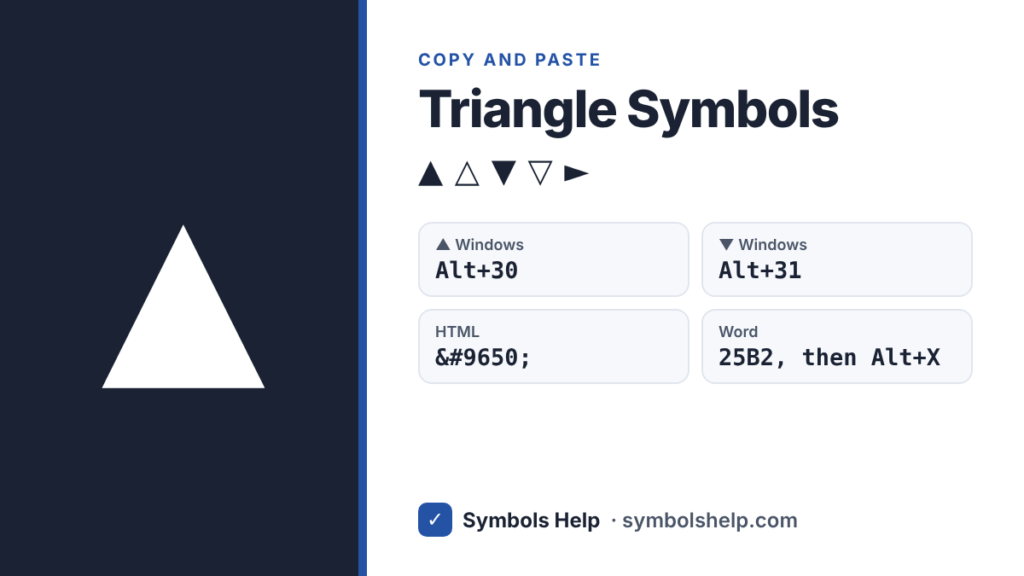
Copy a triangle symbol like ▲ △ ▼ ▽ with one click below. On Windows, hold Alt and type 30 on the number pad for ▲, or 31 for ▼. In Word, type 25B2 and press Alt + X.
Black up-pointing triangleU+25B2
All triangle symbols · Click any symbol to copy it.
Triangle symbol codes
These are the triangles people use most, with the codes for each one.
| Symbol | Name | Unicode | HTML | Windows Alt code |
|---|---|---|---|---|
| ▲ | Black up triangle | U+25B2 | ▲ | Alt + 30 |
| △ | White up triangle | U+25B3 | △ | None |
| ▼ | Black down triangle | U+25BC | ▼ | Alt + 31 |
| ▽ | White down triangle | U+25BD | ▽ | None |
| ► | Right pointer | U+25BA | ► | Alt + 16 |
| ◄ | Left pointer | U+25C4 | ◄ | Alt + 17 |
How to type a triangle symbol
Windows
Hold Alt, type the number on the number pad, then let go: 30 gives ▲, 31 gives ▼, 16 gives ► and 17 gives ◄. Num Lock has to be on, and you should not add a zero in front of these numbers.
If your laptop has no number pad, press Windows key + . (period), click the Ω symbols tab and look under the geometric symbols.
Microsoft Word
Type the code and press Alt + X right after it. Use 25B2 for ▲, 25B3 for △, 25BC for ▼ and 25BD for ▽. You can also go to Insert > Symbol > More Symbols and pick the “Geometric Shapes” subset.
Mac
Press Control + Command + Space to open the emoji and symbols window, type “triangle” in the search box and click the one you want.
Google Docs
Go to Insert > Special characters and search for “triangle”. Insert > Drawing can make a triangle shape too, but a symbol is quicker and sits inside your text like a letter.
Excel and Google Sheets
=UNICHAR(9650) puts ▲ in a cell and =UNICHAR(9660) puts ▼. For △ and ▽, use 9651 and 9661.
iPhone and Android
Phone keyboards have no triangle key, so copy the triangle from the tool above. On iPhone you can save it as a shortcut in Settings > General > Keyboard > Text Replacement.
Chromebook
Press Ctrl + Shift + U, type 25b2, then press Space or Enter to get ▲.
HTML, CSS and LaTeX
In HTML, use ▲ for ▲ and ▼ for ▼. In CSS, use content: "\25B2";. In LaTeX, \triangle gives △, and \blacktriangle (from the amssymb package) gives ▲.
Using ▲ and ▼ to show up and down
Up and down triangles are the usual way to show a rise or a drop in sales reports, stock prices and dashboards. In Excel you can add them automatically with a custom number format. Select the cells, press Ctrl + 1, choose Custom and enter [Green]▲0.0%;[Red]▼0.0%. Growth then shows as a green ▲ and a drop shows as a red ▼, without a minus sign.
On websites, small triangles are common as dropdown and sort icons. The small ▾ (U+25BE) usually looks better next to menu text than the full-size ▼.
Triangle vs delta: △, ∆ and Δ
Three characters look almost the same, and they mean different things.
| Symbol | What it is | Use it for |
|---|---|---|
| △ | White up-pointing triangle (U+25B3) | Shapes, and triangle names in geometry, like △ABC |
| ∆ | Increment sign (U+2206) | Some older math texts. In most cases Δ is the better pick |
| Δ | Greek capital letter delta (U+0394) | “Change in”, like Δt for change in time |
Screen readers and search engines treat them as different characters, so pick the one that matches what you mean. Our tool above has both △ and ∆ if you want to compare them.
Why ▶ sometimes turns into an emoji
▶ (U+25B6) and ◀ (U+25C0) can switch to the colored play-button emoji on iPhone and some Android phones. If you want a plain text triangle that always looks the same, use ► (U+25BA) and ◄ (U+25C4) instead.
Why Alt + 30 gives a triangle
Alt codes without a leading zero come from code page 437, the character set of the first IBM PC from 1981. Its first 31 positions held small pictures, and Windows still maps those numbers to the same characters. That is why Alt + 30 is ▲, Alt + 31 is ▼, and Alt + 3 gives the heart symbol ♥.
Frequently asked questions
What is the Alt code for a triangle?
Alt + 30 gives ▲ and Alt + 31 gives ▼. Hold Alt, type the number on the number pad, and let go.
How do I type a triangle on a Mac?
Press Control + Command + Space, search for “triangle” and click the one you want. Macs have no built-in key for it.
What is the white triangle △ called?
Its Unicode name is “white up-pointing triangle” (U+25B3). “White” here means it is an outline, not filled in.
Which triangle should I use for a dropdown arrow?
Use ▼ for a bold arrow or the smaller ▾ for a neat one next to menu text. Both are plain text, so they take the color of your font.
Is the warning sign ⚠ a triangle symbol?
It is a separate character called “warning sign” (U+26A0). It is in our tool too. On phones it often shows as a yellow emoji.
More symbol pages: arrow symbols, bullet point symbols and square root √. You can also search all 246 symbols on our symbols copy and paste tool.
About this page
- Written and checked by: Muhammad Ilyas
- Last updated: October 12, 2026
- Source: Unicode code chart: Geometric Shapes (U+25B2)