
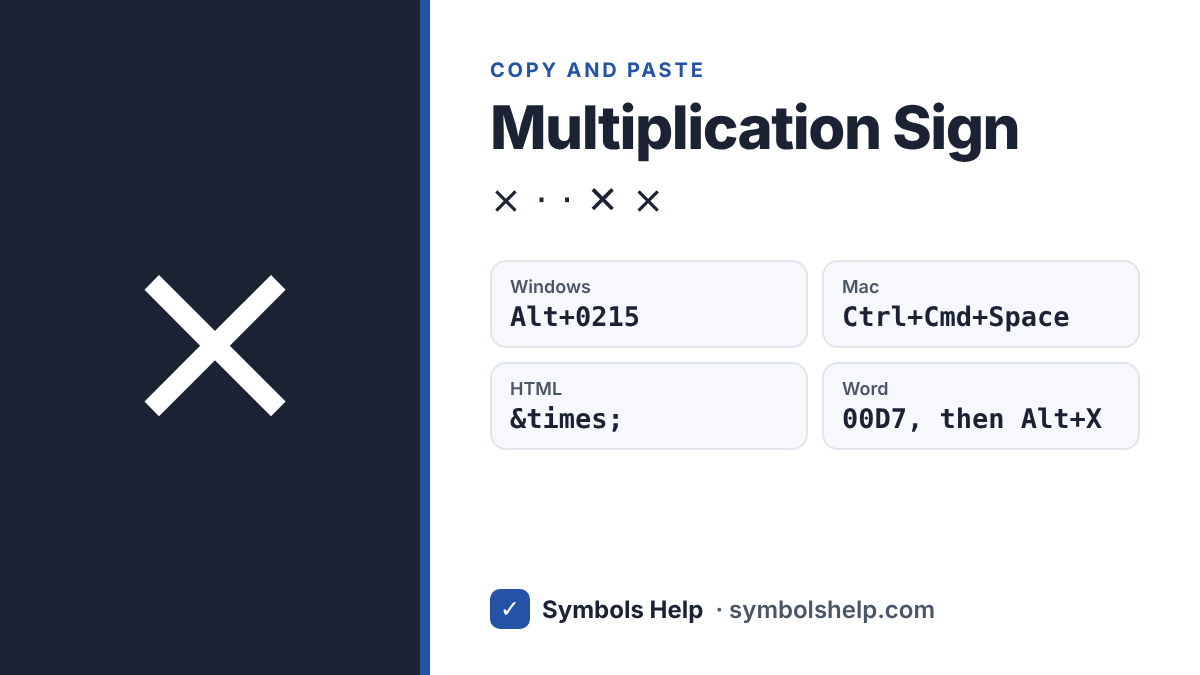
Copy the multiplication sign × with one click below. On Windows, hold Alt and type 0215 on the number pad. In HTML it is ×. The tool also has the dot operator ⋅ and the other times signs used in math.
Multiplication signU+00D7
Multiplication signs · Click any symbol to copy it.
Multiplication sign codes
These are the signs people use for “times”, with the HTML code and the Windows Alt code. Each sign in the tool above also shows its Unicode number.
| Sign | HTML | Alt |
|---|---|---|
| × Multiplication sign | × | 0215 |
| ⋅ Dot operator | ⋅ | None |
| · Middle dot | · | 0183 |
| ∙ Bullet operator | ∙ | 249 |
| ⨯ Cross product | ⨯ | None |
| ⊗ Circled times | ⊗ | None |
| ∏ Product of many terms | ∏ | None |
The zero in Alt + 0215 matters. Alt + 215 without it gives ╫, a box drawing line, because the short codes come from an old DOS character set. Our Alt Code Finder shows both kinds.
How to type the multiplication sign
Windows
Turn on Num Lock, hold Alt, type 0215 on the number pad and let go of Alt. The numbers along the top of the keyboard do not work for this. On a laptop without a number pad, press Windows key + . (period), click the Ω tab and open Math symbols. × is near the start. Read more in our Alt codes guide.
Microsoft Word
Type 00D7 and press Alt + X. Word turns the code into ×. You can also press Alt + = to start an equation, type \times and press Space.
A small catch: Alt + X reads all the code-like characters before the cursor. If you type 00D7 right after a number, like 3, Word reads “300D7” and gives a strange character. Put a space before the code, or select just 00D7, and then press Alt + X.
Mac
There is no Option key shortcut for × on the standard US keyboard. Press Control + Command + Space, type “multiplication” in the search box and click ×. If you use it a lot, go to System Settings > Keyboard > Text Replacements and set 😡 to turn into ×. Our Mac symbols guide shows more tricks like this.
Google Docs
Go to Insert > Special characters and search for “multiplication”. Inside an equation (Insert > Equation), type \times and press Space.
Excel and Google Sheets
=UNICHAR(215) gives ×. To show sizes like 1920 × 1080 from two cells, use =A2&" × "&B2. For real math in a formula, keep using *, because Excel will not multiply with ×.
iPhone and Android
The iPhone keyboard has no × key. Copy it from this page, or add it in Settings > General > Keyboard > Text Replacement. On Android, Gboard has it: tap ?123, then =\< to open the second symbols page. Samsung Keyboard has it on its symbols pages too.
Chromebook
Press Ctrl + Shift + U, type 00d7, then press Space or Enter.
HTML, CSS and LaTeX
In HTML, use × or ×. In CSS, use content: "\00D7";. In LaTeX, \times gives × and \cdot gives the centered dot ⋅.
×, x, * or ⋅: which one to use
| Sign | Use it for |
|---|---|
| × | School math, sizes like 8.5 × 11 in, screen sizes like 1920 × 1080, zoom like 10× |
| ⋅ | Algebra and physics, where × could be mixed up with the letter x: 3 ⋅ 4 |
| * | Excel, Google Sheets, calculators and code: =A1*B1 |
| x | File names and web addresses, like photo-1920x1080.jpg |
The letter x looks close, but it is a different character. Screen readers say “x” for the letter and “times” for ×, and search tools treat them as different. For file names and links, the plain letter x is the safer choice. A × in a web address turns into %C3%97, which looks broken when people share the link.
Where you will see the multiplication sign
Most of the time it shows sizes. Paper is 8.5 × 11 inches, a board is a 2 × 4 and a screen is 1920 × 1080 pixels. It also shows how many times bigger something is, like 10× zoom on a camera or 2× speed on a video.
In science it is part of scientific notation: the speed of light is about 3 × 10⁸ meters per second. In math class it is the times sign from the first multiplication tables, and later the sign for the cross product of two vectors.
A short history of ×
The English mathematician William Oughtred made the × sign popular in his 1631 book Clavis Mathematicae. Not everyone liked it. In 1698 Gottfried Leibniz wrote that he did not like × because it was easy to confuse with the letter x, and he used a dot instead. That is why algebra books still write 3 ⋅ 4, or just 3x, while school books use 3 × 4.
Frequently asked questions
What is the Alt code for the multiplication sign?
Alt + 0215. Hold Alt and type 0215 on the number pad. Alt + 215, without the zero, gives ╫ instead.
How do I type × on a laptop without a number pad?
Press Windows key + . (period), click the Ω tab and open Math symbols. In Word you can also type 00D7 and press Alt + X.
Is × the same as the letter x?
No. × is the multiplication sign (U+00D7) and x is the Latin letter (U+0078). They look alike in some fonts, but computers and screen readers treat them as different characters.
What is the HTML code for the multiplication sign?
× or ×. Both show ×.
Why does Excel give an error when I use ×?
Excel only multiplies with the asterisk *. Use =A1*B1 for the math, and × only in text you want people to read.
Sources: the Unicode Latin-1 Supplement chart (U+00D7), the Mathematical Operators chart and Florian Cajori’s A History of Mathematical Notations (1928). Written by Muhammad Ilyas, updated October 2026.
More math signs: plus-minus ±, not equal ≠, square root √ and all math symbols in one place.
About this page
- Written and checked by: Muhammad Ilyas
- Last updated: October 12, 2026
- Source: Unicode code chart: Latin-1 Supplement (U+00D7)