

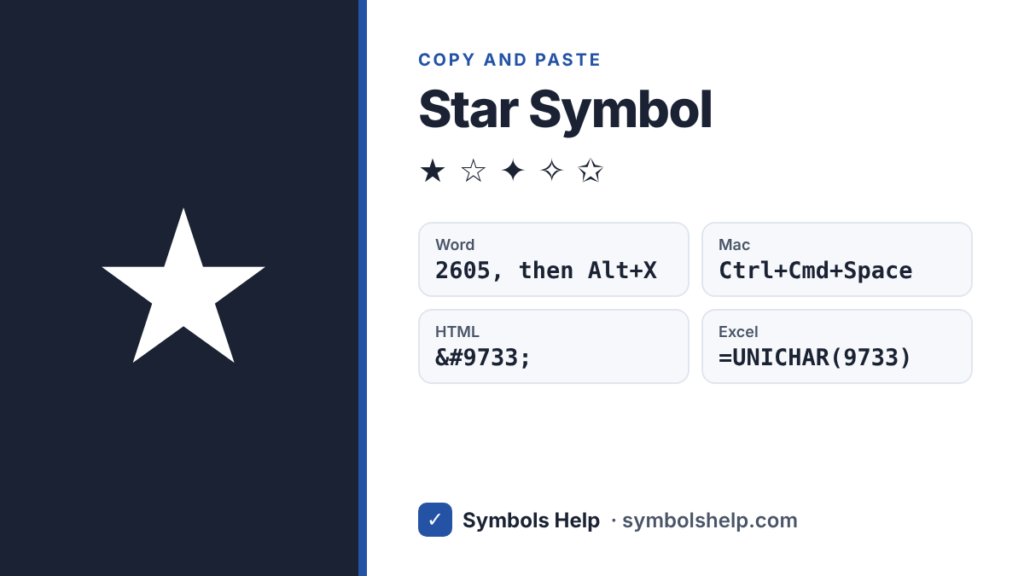
Copy the star symbol ★ or the outline star ☆ with one click below, or pick from 25 other stars like ✦ ✧ ✩ and ⭐. There is no Alt code for ★, but in Word you can type 2605 and press Alt + X.
Black starU+2605
All star symbols · Click any symbol to copy it.
Star symbol codes
Here are the stars people use most, with the codes to type them.
| Symbol | Name | Unicode | HTML | Word (then Alt+X) |
|---|---|---|---|---|
| ★ | Black star | U+2605 | ★ | 2605 |
| ☆ | White star | U+2606 | ☆ | 2606 |
| ✦ | Four pointed star | U+2726 | ✦ | 2726 |
| ✧ | White four pointed star | U+2727 | ✧ | 2727 |
| ✩ | Outlined white star | U+2729 | ✩ | 2729 |
| ✪ | Circled white star | U+272A | ✪ | 272A |
| ✶ | Six pointed star | U+2736 | ✶ | 2736 |
| ⋆ | Star operator (math) | U+22C6 | ⋆ | 22C6 |
| ⭐ | Star emoji | U+2B50 | ⭐ | 2B50 |
How to type a star symbol
Windows
★ has no Alt code, because it is not in the old character sets that Alt codes use. The easy way is the emoji and symbol panel: press Windows key + . (period), click the Ω tab and scroll the symbol lists, or type “star” in the emoji tab for ⭐.
Microsoft Word
Type 2605 and press Alt + X to get ★. Use 2606 for ☆. Word turns the code into the star as soon as you press Alt + X.
Mac
Press Control + Command + Space, type “star” in the search box and click the one you want. There is no single key for it.
Google Docs
Go to Insert > Special characters and search for “star”.
Excel and Google Sheets
=UNICHAR(9733) gives ★ and =UNICHAR(9734) gives ☆.
iPhone and Android
The emoji keyboard has ⭐ and 🌟. For the plain text stars ★ and ☆, copy them from the tool above, or save one as a shortcut in Settings > General > Keyboard > Text Replacement on iPhone.
Chromebook
Press Ctrl + Shift + U, type 2605, then press Space or Enter.
HTML, CSS and LaTeX
In HTML, use ★ (or ★) for ★ and ☆ (or ☆) for ☆. In CSS, use content: "\2605";. In LaTeX, \bigstar from the amssymb package gives ★ and \star gives the small ⋆.
Make a star rating like ★★★★☆
Star ratings are just black stars followed by white stars: ★★★★☆ means 4 out of 5. Copy ★ and ☆ from the tool and type them in a row.
In Excel or Google Sheets you can build the rating from a number. If the score is in cell A1, this formula shows it as stars out of 5:
=REPT("★",A1)&REPT("☆",5-A1)
A score of 3 shows ★★★☆☆. Change the 5 if your scale is out of 10.
★ vs ⭐: text star or emoji?
★ is a text symbol. It takes the color and size of the text around it, so it fits neatly in documents, ratings and names. ⭐ is an emoji. It is always yellow and looks a little different on iPhone, Android and Windows.
For a clean look in Word, on websites or in a star rating, use ★ and ☆. For a quick bright star in a chat, ⭐ works fine.
Star or asterisk?
The * key on your keyboard (Shift + 8) is an asterisk, not a star. It is the right choice for footnotes and for multiplying in Excel or code. Use ★ when you want a real star shape that people will see as a star.
Frequently asked questions
What is the Alt code for a star?
There is no Alt code for ★ or ☆. Use Windows key + . (period), type 2605 and press Alt + X in Word, or copy the star from this page. Our Alt Code Finder lists every symbol that does have an Alt code.
What is the white star ☆ called?
Its Unicode name is “white star” (U+2606). “White” means it is an outline, and ★ is called “black star” because it is filled in.
How do I type a star on a Mac?
Press Control + Command + Space, search for “star” and click it.
Can I use star symbols in my Instagram bio or name?
Yes. ★ ☆ ✦ ✧ are normal text, so you can paste them into a bio, a display name, a caption or a comment.
Which star is used for the Star of David?
That is ✡ (U+2721), and it is in our tool above as well.
More symbol pages: heart symbol ♥, triangle symbols and bullet point symbols. You can also search all 246 symbols on our symbols copy and paste tool.
About this page
- Written and checked by: Muhammad Ilyas
- Last updated: October 12, 2026
- Source: Unicode code chart: Miscellaneous Symbols (U+2605)