

No symbols found. Try another word, like "arrow" or "star".
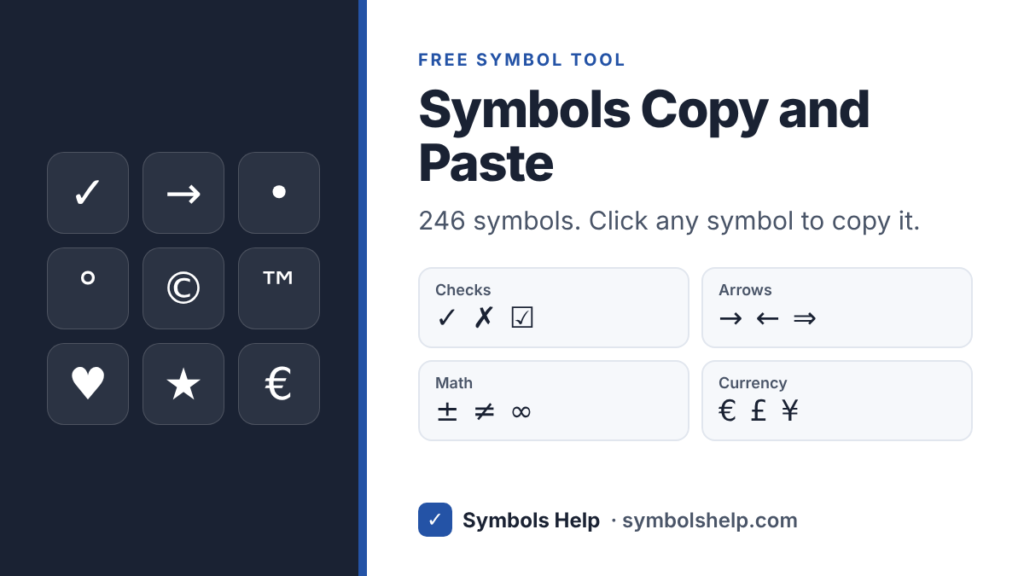
Find any symbol, click it, and it is copied. Symbols Help has 246 text symbols, from check marks and arrows to math, currency and Greek letters. Paste them into Word, Google Docs, email, chats or code. Every symbol is plain Unicode text, so it works almost everywhere.
How to use the Symbol Finder
- Search or browse. Type a word like “check”, “arrow” or “euro”, or pick a category.
- Click the symbol. It is copied to your clipboard at once.
- Paste it. Press Ctrl+V on Windows, Command+V on Mac, or tap Paste on your phone.
Each tile also shows the symbol’s Unicode code, such as U+2713. You can use that code to type the symbol yourself.
Symbol categories
- Check & Cross: check marks, X marks and checkboxes for lists and forms.
- Arrows: single, double, curved and heavy arrows for directions and steps.
- Bullets & Shapes: bullets, circles, squares, triangles and diamonds.
- Stars & Hearts: stars, hearts and card suits for ratings and decoration.
- Math: plus-minus, not equal, infinity, square root, sum and set symbols.
- Currency: dollar, euro, pound, yen, rupee, bitcoin and more.
- Greek Letters: alpha to omega, used in math, science and engineering.
- Writing & Legal: copyright, trademark, section, dashes, quotes and ellipsis.
- Fractions & Numbers: fractions, superscripts, subscripts and Roman numerals.
- Music, Weather & More: notes, sun, snow, phone, email and keyboard keys.
Popular symbols and their codes
| Symbol | Name | Unicode | HTML code | In Word (type code, then Alt+X) |
|---|---|---|---|---|
| ✓ | Check mark | U+2713 | ✓ | 2713 |
| ✗ | Ballot X | U+2717 | ✗ | 2717 |
| → | Right arrow | U+2192 | → | 2192 |
| • | Bullet | U+2022 | • | 2022 |
| ° | Degree sign | U+00B0 | ° | 00B0 |
| © | Copyright sign | U+00A9 | © | 00A9 |
| ™ | Trademark sign | U+2122 | ™ | 2122 |
| ♥ | Heart | U+2665 | ♥ | 2665 |
| ★ | Star | U+2605 | ★ | 2605 |
| € | Euro sign | U+20AC | € | 20AC |
| ± | Plus-minus sign | U+00B1 | ± | 00B1 |
| ½ | One half | U+00BD | ½ | 00BD |
How to type symbols on any device
Windows
- Alt codes: hold Alt and type the code on the number pad. For example Alt+0176 gives °, Alt+0169 gives ©, Alt+0153 gives ™, Alt+0149 gives • and Alt+0128 gives €.
- Symbol panel: press Windows key + . (period), then open the Symbols tab.
Mac
- Option key shortcuts (US keyboard): Option+8 gives •, Option+Shift+8 gives °, Option+G gives ©, Option+2 gives ™, Option+Shift+2 gives € and Option+= gives ≠.
- Character Viewer: press Control+Command+Space and search for any symbol.
iPhone and Android
- Press and hold a key to see related symbols. Hold 0 for °, hold the hyphen for dashes, and hold $ for other currencies.
- Switch to the symbols keyboard (123, then
#+=on iPhone or=\<on Android) for more.
Word and Google Docs
- Word: type the Unicode code, such as 2713, then press Alt+X. Or use Insert → Symbol.
- Google Docs: use Insert → Special characters and search by name.
Why a symbol shows as a box
Sometimes a symbol appears as an empty box (□). This means the font on that device does not include the symbol. Try a common font like Arial or Segoe UI, or update your device. The symbol itself is still correct.
Frequently asked questions
Are these symbols free to use?
Yes. These are standard Unicode characters. You can copy and use them anywhere, for personal or work use, at no cost.
Will copied symbols work in Word, Google Docs and email?
Yes, in most cases. Unicode symbols work in Word, Google Docs, Gmail, Outlook and most apps. A few rare symbols may need a font that includes them.
Why does a symbol look different on my phone?
Each device uses its own font. A star or heart may look a little different on Windows, Mac, Android and iPhone, but it is the same symbol.
What is a Unicode code like U+2713?
It is the official number for a symbol in the Unicode Standard. Every symbol has one. You can use it to type the symbol, for example in Word with Alt+X.
How do I type a check mark?
The easiest way is to click ✓ above to copy it. In Word, type 2713 and press Alt+X. On a Mac, open the Character Viewer with Control+Command+Space and search “check”.
Symbols Help is run by Muhammad Ilyas. Every symbol and code here is checked against the Unicode Standard. Found a mistake? Email hellomyaisteps@gmail.com.