

Plus-minus signU+00B1
Plus, minus and plus-minus symbols · Click any symbol to copy it.
Click the big symbol above to copy it. The plus-minus sign is ± (U+00B1). It means “plus or minus” and shows that a value can go up or down by a certain amount. Every symbol on this page is Unicode text, so it pastes into Word, Google Docs, Excel, emails and chats.
Plus-minus and related signs
| Symbol | Name | Unicode | HTML code | Alt code (Windows) |
|---|---|---|---|---|
| ± | Plus-minus sign | U+00B1 | ± | Alt+0177 |
| ∓ | Minus-or-plus sign | U+2213 | ∓ | None |
| + | Plus sign | U+002B | + | Shift and the = key |
| − | Minus sign | U+2212 | − | None |
| ⁺ | Superscript plus | U+207A | ⁺ | None |
| ⁻ | Superscript minus | U+207B | ⁻ | None |
| ⊕ | Circled plus | U+2295 | ⊕ | None |
| ⊖ | Circled minus | U+2296 | ⊖ | None |
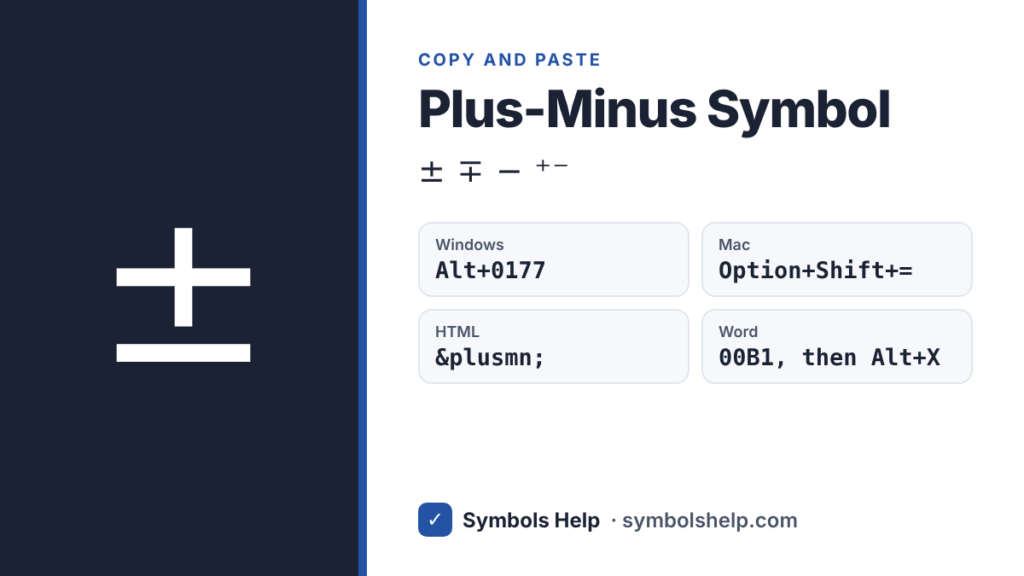
Hold Alt and type the number on the number pad, not the top row of keys. In many apps, Alt+241 also gives ±.
What does ± mean?
± means “plus or minus”. You will see it in four common places:
- Math (two answers): in the quadratic formula, x = (−b ± √(b² − 4ac)) / 2a, the ± gives two solutions, one with + and one with −.
- Measurements: 10 ± 0.5 cm means the true length is somewhere between 9.5 cm and 10.5 cm. This range is called the tolerance or uncertainty.
- Statistics and polls: 52% ± 3% means the real value is likely between 49% and 55%. This is the margin of error.
- Everyday writing: “±20 people” is a short way to say “about 20 people”.
In chess notes, ± means White has a clear advantage.
What is ∓ (minus-or-plus)?
∓ is the mirror of ±. It is used together with ± when the signs must be opposite. For example: cos(a ± b) = cos a cos b ∓ sin a sin b. When you use the top sign (+) on the left, you use the top sign (−) on the right.
How to type ±
On Windows
- Hold Alt and type 0177 on the number pad.
- In many apps, Alt+241 works too.
In Microsoft Word
- Type 00B1 and press Alt+X right after it.
- Or go to Insert → Symbol and pick ±. It is usually in the first row of recently used symbols.
- In an equation box (Alt+=), type \pm and press Space. Use \mp for ∓.
In Excel
- Click a cell and press Alt+0177.
- Or use a formula:
=CHAR(177)gives ±. - To show ± before numbers, go to Format Cells → Custom and type
"±"0.00.
In Google Docs
- Go to Insert → Special characters and search “plus minus”.
On Mac
- Press Option+Shift+= (the equals/plus key) to type ±.
On iPhone and Android
- Android: on many keyboards, including Gboard, tap ?123, then press and hold the + key to find ±.
- iPhone: the keyboard has no ± key. Copy it once from this page and save it as a text shortcut under Settings → General → Keyboard → Text Replacement, for example “pm” → ±.
In HTML and LaTeX
- HTML:
±or± - LaTeX:
\pmfor ± and\mpfor ∓
± vs +/-
If a system does not support symbols, people write +/- instead of ±. It means the same thing, but ± is shorter, looks cleaner, and is the correct sign for math and science writing.
Frequently asked questions
What is the Alt code for the plus-minus sign?
Hold Alt and type 0177 on the number pad to get ±. In many apps, Alt+241 also works.
How do I type ± on a Mac?
Press Option+Shift and the equals key (=). The ± sign appears right away.
What does ± mean in math?
It means “plus or minus”. It shows two values at once, like in the quadratic formula, where ± gives one answer with plus and one with minus.
What does ± mean in measurements?
It shows the allowed range or uncertainty. 5 ± 0.1 mm means the size can be anywhere from 4.9 mm to 5.1 mm.
How do I type ± in Excel?
Press Alt+0177 in a cell, or type =CHAR(177). To add ± to many numbers at once, use a custom number format like “±”0.00.
More math signs: greater than or equal to ≥ and degree symbol °. You can also browse all symbols.
Written by Muhammad Ilyas. Every code on this page is checked against the Unicode Standard. Found a mistake? Email hellomyaisteps@gmail.com.
About this page
- Written and checked by: Muhammad Ilyas
- Last updated: October 11, 2026
- Source: Unicode code chart: Latin-1 Supplement (U+00B1)