
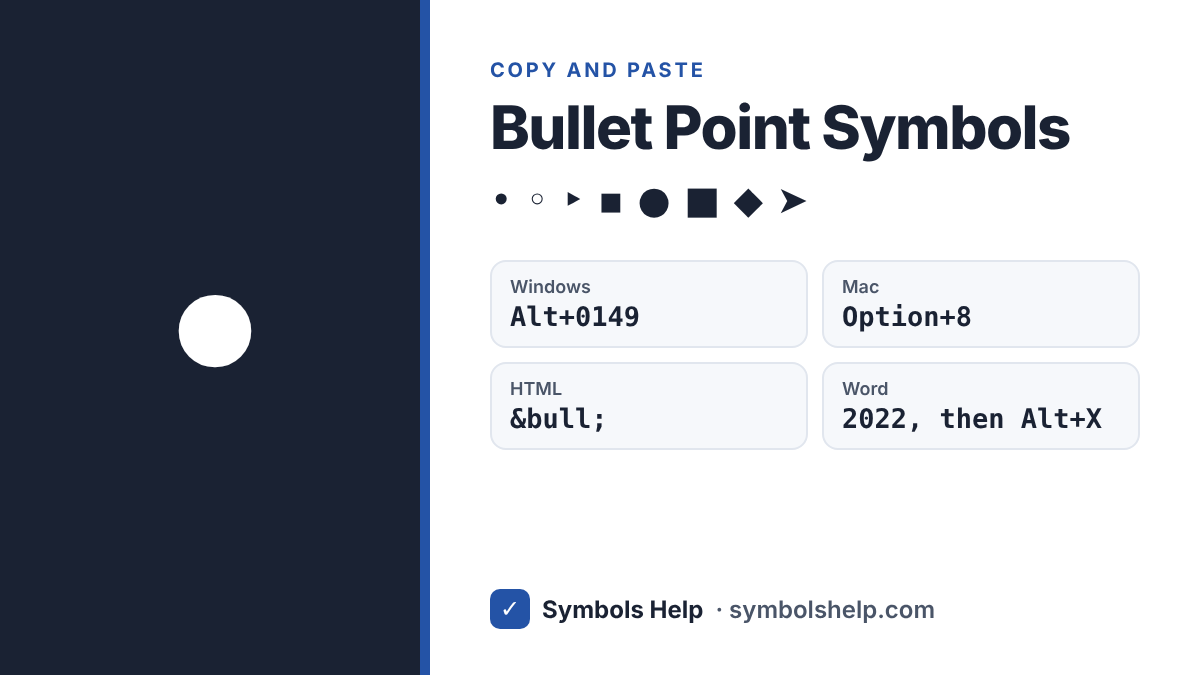
BulletU+2022
All bullet point symbols · Click any symbol to copy it.
Click any bullet above to copy it. The standard bullet point is • (U+2022). This page also has hollow bullets, squares, diamonds, triangles and arrow bullets for lists, notes, resumes and social media bios. Every symbol here is Unicode text, so it pastes into Word, Google Docs, emails and apps.
Most used bullet point symbols
| Symbol | Name | Unicode | HTML code | Alt code (Windows) |
|---|---|---|---|---|
| • | Bullet | U+2022 | • | Alt+0149 |
| ◦ | White bullet | U+25E6 | ◦ | None |
| ‣ | Triangular bullet | U+2023 | ‣ | None |
| ⁃ | Hyphen bullet | U+2043 | ⁃ | None |
| ▪ | Black small square | U+25AA | ▪ | None |
| ● | Black circle | U+25CF | ● | None |
| ○ | White circle | U+25CB | ○ | None |
| ■ | Black square | U+25A0 | ■ | None |
| □ | White square | U+25A1 | □ | None |
| ◆ | Black diamond | U+25C6 | ◆ | None |
| ❖ | Black diamond minus white X | U+2756 | ❖ | None |
| ► | Black right-pointing pointer | U+25BA | ► | None |
| ➤ | Black rightwards arrowhead | U+27A4 | ➤ | None |
| · | Middle dot | U+00B7 | · | Alt+0183 |
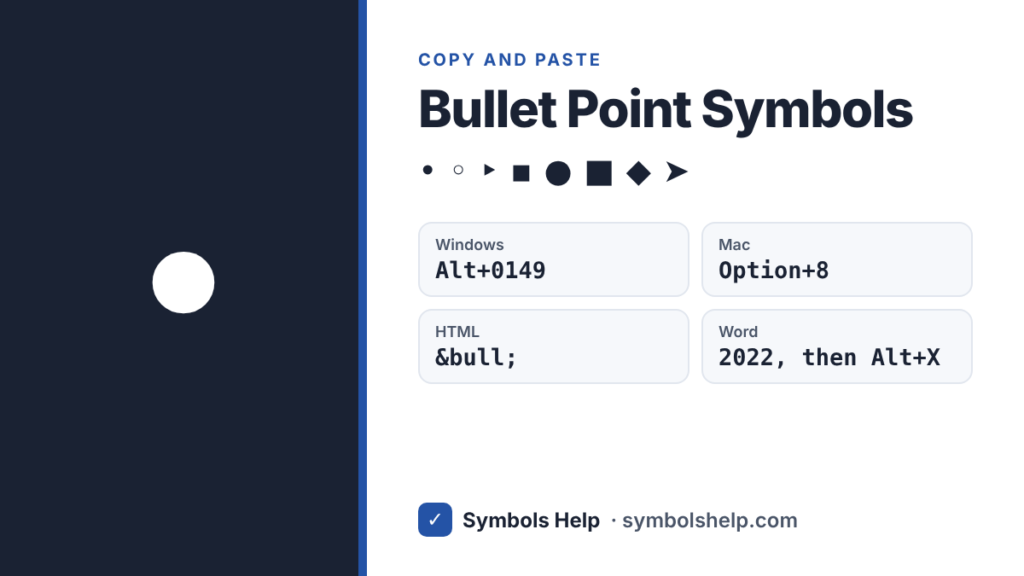
Hold Alt and type the number on the number pad, not the top row of keys.
Which bullet should you use?
- • is the standard bullet for any list.
- ◦ works well for sub-points under a main bullet.
- ▪ is a neat third level, and it is what Word uses for its own third-level lists.
- ➤ ► ▸ draw the eye, so they suit steps, tips and key points.
- ✓ is best for checklists and things that are done.
- · is a small separator, like “Name · City · Job”, not a list bullet.
How to type a bullet point
On Windows
- Hold Alt and type 0149 on the number pad to get •.
- In many apps, Alt+7 also gives •.
- Alt+0183 gives the middle dot ·.
In Microsoft Word
- Type ***** (an asterisk) and then a space at the start of a line. Word turns it into a bulleted list.
- To use any symbol as your list bullet, go to Home → Bullets (small arrow) → Define New Bullet → Symbol.
- To type a single bullet in text, type 2022 and press Alt+X.
In Google Docs
- Press Ctrl+Shift+8 (or Command+Shift+8 on Mac) to start a bulleted list.
- For a single bullet symbol, go to Insert → Special characters and search “bullet”.
In Excel
- Click a cell and press Alt+0149 or Alt+7 on the number pad.
- Or use a formula:
=UNICHAR(8226)gives •.
On Mac
- Press Option+8 to type •.
- Press Option+Shift+9 to type the middle dot ·.
On iPhone and Android
- iPhone: tap 123, then #+=, and you will see •.
- Android (Gboard): tap ?123, then =<, and tap •.
In HTML and CSS
- HTML:
•or•for •. - CSS: change list bullets with
list-style-type: disc;,circle;orsquare;. You can also use any symbol:list-style-type: "➤ ";
Bullet points in Instagram and TikTok bios
Bios do not have a list button, but bullet symbols are plain text, so they work fine. Copy a bullet from this page, paste it at the start of each line, and add a space after it. Symbols like ➤, ✓ and ▪ make short bio lists easy to scan.
Frequently asked questions
What is the Alt code for a bullet point?
Hold Alt and type 0149 on the number pad to get •. In many Windows apps, Alt+7 works too.
How do I type a bullet point on a Mac?
Press Option+8. It works in almost every Mac app, including Pages, Word and web browsers.
What is the difference between • and ·?
- is the bullet, a bigger dot made for lists. · is the middle dot, a smaller dot used to separate words, like “Home · About · Contact”, and in some math.
How do I add bullet points in Excel?
Click a cell, hold Alt and type 0149 (or 7) on the number pad. You can also type =UNICHAR(8226) in a cell.
Can I use bullet symbols on Instagram?
Yes. Copy any bullet from this page and paste it into your bio, caption or comment. It stays as text, so it shows up on all phones.
Want arrows for your lists? See the arrow symbols page. For checklists, copy the check mark symbol ✓. You can also browse all symbols.
Written by Muhammad Ilyas. Every code on this page is checked against the Unicode Standard. Found a mistake? Email hellomyaisteps@gmail.com.
About this page
- Written and checked by: Muhammad Ilyas
- Last updated: October 11, 2026
- Source: Unicode code chart: General Punctuation (U+2022)