

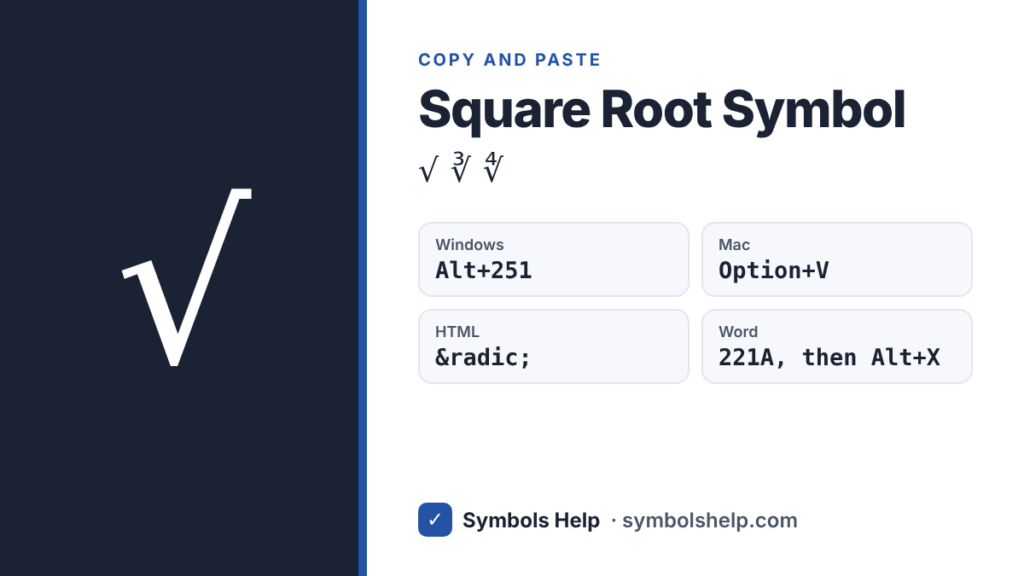
Copy the square root symbol √ with one click below. On Windows, hold Alt and type 251 on the number pad. On a Mac, press Option + V. In Word, type 221A and press Alt + X.
Square rootU+221A
Root symbols and ready-made roots · Click any symbol to copy it.
Square root symbol codes
Here are the codes for the root signs and the two small numbers people use with them.
| Symbol | Name | Unicode | HTML | Windows Alt code |
|---|---|---|---|---|
| √ | Square root | U+221A | √ | Alt + 251 |
| ∛ | Cube root | U+221B | ∛ | None |
| ∜ | Fourth root | U+221C | ∜ | None |
| ² | Superscript two | U+00B2 | ² | Alt + 0178 |
| ³ | Superscript three | U+00B3 | ³ | Alt + 0179 |
How to type the square root symbol
Windows
Hold Alt, type 251 on the number pad, then let go of Alt. Num Lock has to be on, and the number keys above the letters will not work. Type 251 without a zero in front. Alt + 0251 gives you û, which is a common mix-up.
No number pad on your laptop? Press Windows key + . (period), click the Ω symbols tab, open the math symbols and click √.
Microsoft Word
Type 221A and press Alt + X, and Word swaps the code for √. Use 221B for ∛.
If you need a root with the bar over the whole number, like in a textbook, use an equation instead. Press Alt + = to start one, type \sqrt(x+1) and press Space. Word draws the full radical over x+1.
Mac
Press Option + V. That is the whole shortcut, and it works in most apps with the standard US keyboard layout.
Google Docs
Go to Insert > Special characters and search for “square root”. For a root with a bar, use Insert > Equation, type \sqrt and press Space.
Excel and Google Sheets
=UNICHAR(8730) puts the √ sign in a cell. That only shows the symbol. To work out a square root, use =SQRT(25), which returns 5, or =25^(1/2).
iPhone and Android
Gboard on Android has √ built in. Tap ?123, then =\<, and it is on that page. The iPhone keyboard has no √ key, so copy it from the tool above, or add a text replacement in Settings > General > Keyboard > Text Replacement (for example “sqrt” becomes √).
Chromebook
Press Ctrl + Shift + U, type 221a, then press Space or Enter.
HTML, CSS and LaTeX
In HTML, use √ or √. In CSS, use content: "\221A";. In LaTeX, \sqrt{x} gives a square root with a bar and \sqrt[3]{x} gives a cube root.
Square root with a bar over the number
The √ character is only the hook. It cannot stretch a line over the number, so √16 + 9 is unclear: does the root cover the 9 or not?
In plain text, put the number in brackets, like √(16 + 9). Our tool has a “Root with brackets” tile for this. In Word, Google Docs or LaTeX, use the equation method above and you get a real bar.
Square root symbol vs check mark
√ and ✓ look alike, and some people type √ as a tick on forms. They are different characters, though. Screen readers read √ out loud as “square root”. For a checklist or a “done” mark, use ✓ from our check mark symbol page.
Where the √ sign comes from
The sign first showed up in print in Die Coss, a 1525 algebra book by the German mathematician Christoff Rudolff. It had no bar on top back then. René Descartes joined the hook to a bar in 1637, which gave us the shape we use today. Leonhard Euler thought the hook came from a small r for radix, the Latin word for root, but nobody knows for sure. You can read more in Wikipedia’s history of the radical symbol.
Frequently asked questions
What is the Alt code for the square root symbol?
It is Alt + 251. Hold Alt, type 251 on the number pad, and let go. You need a number pad with Num Lock on.
Why do I get û instead of √?
You typed Alt + 0251. The zero in front switches Windows to a different character list, where 251 is û. Drop the zero and try Alt + 251 again.
How do I type a square root on a laptop with no number pad?
Press Windows key + . (period) and pick √ from the math symbols, or copy it from the tool on this page. On a Mac with a US keyboard layout, press Option + V.
What is the square root symbol called?
It is called the radical sign, or just the radical. The number under it is called the radicand. In √25, the radicand is 25.
How do I type a cube root symbol?
Copy ∛ from the tool above. In Word, type 221B and press Alt + X. In LaTeX, write \sqrt[3]{x}. There is no Alt code for it.
Is √x the same as x to the power of 1/2?
Yes. For any number that is zero or bigger, √x and x1/2 give the same answer. That is why =25^(1/2) works in Excel.
More math symbols: plus-minus ±, not equal ≠ and degree °. You can also search all 246 symbols on our symbols copy and paste tool.
About this page
- Written and checked by: Muhammad Ilyas
- Last updated: October 12, 2026
- Source: Unicode code chart: Mathematical Operators (U+221A)