

Copyright signU+00A9
Copyright, registered and trademark symbols · Click any symbol to copy it.
Click any symbol above to copy it. This page covers the three signs people need most: the copyright sign © (U+00A9), the registered sign ® (U+00AE) and the trademark sign ™ (U+2122), plus the service mark ℠ and the sound recording sign ℗. All of them are Unicode text, so they paste into Word, Google Docs, websites and social media.
Copyright, registered and trademark symbols
| Symbol | Name | Unicode | HTML code | Alt code (Windows) | Mac shortcut |
|---|---|---|---|---|---|
| © | Copyright sign | U+00A9 | © | Alt+0169 | Option+G |
| ® | Registered sign | U+00AE | ® | Alt+0174 | Option+R |
| ™ | Trademark sign | U+2122 | ™ | Alt+0153 | Option+2 |
| ℠ | Service mark | U+2120 | ℠ | None | None |
| ℗ | Sound recording copyright | U+2117 | ℗ | None | None |
| 🄯 | Copyleft symbol | U+1F12F | 🄯 | None | None |
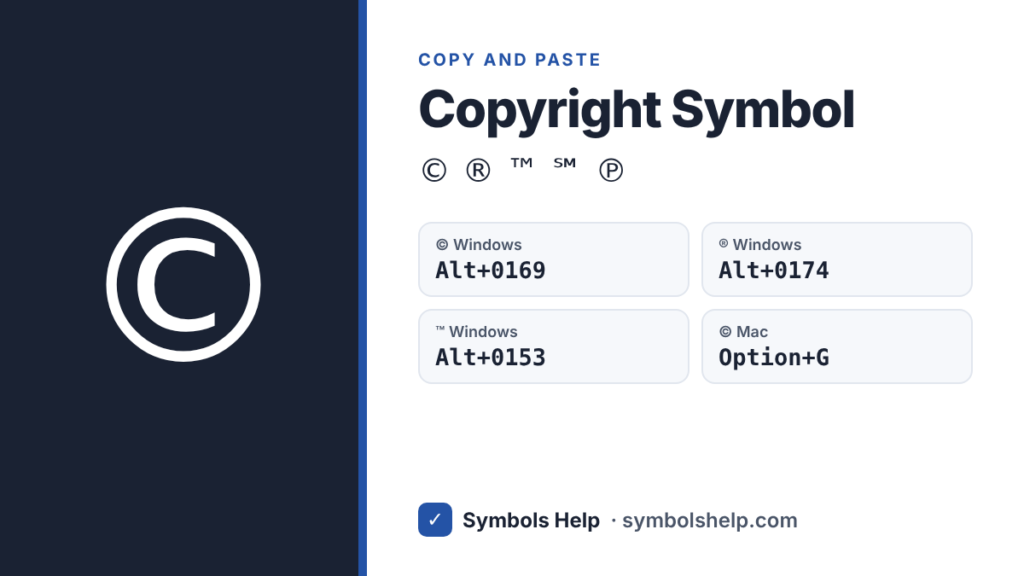
Hold Alt and type the number on the number pad, not the top row of keys.
What each symbol means
- © Copyright shows that someone owns the rights to a creative work, like a book, photo, song, website or software. A typical notice looks like this: © 2026 Jane Smith. In most countries, copyright protection is automatic when a work is created, so the notice is not required. It still tells people who owns the work.
- ® Registered trademark means a brand name or logo has been officially registered with a government trademark office, such as the USPTO in the United States. Only use ® if your mark is actually registered. Using it on an unregistered mark can be illegal in many countries.
- ™ Trademark shows that you claim a name or logo as your brand, even if it is not registered yet. Anyone can use ™ for their own brand.
- ℠ Service mark works like ™, but for services instead of products, like a cleaning company’s name.
- ℗ Sound recording copyright is used on music albums and recordings, next to the year and the owner of the recording.
This is general information, not legal advice. For questions about your own brand or work, check with a trademark or copyright lawyer in your country.
How to type ©, ® and ™
On Windows
- © Alt+0169
- ® Alt+0174
- ™ Alt+0153
In Microsoft Word
- Type (c), (r) or (tm) and Word’s AutoCorrect changes them to ©, ® and ™.
- Or use the shortcuts Ctrl+Alt+C for ©, Ctrl+Alt+R for ® and Ctrl+Alt+T for ™.
In Google Docs
- Go to Insert → Special characters and search “copyright”, “registered” or “trademark”.
- Docs may also turn (c), (r) and ™ into symbols as you type. You can check this under Tools → Preferences → Substitutions.
On Mac
- © Option+G
- ® Option+R
- ™ Option+2
On iPhone and Android
- Android (Gboard): tap ?123, then =<, and you will find © ® ™.
- iPhone: the keyboard has no © key. Copy it once from this page and save it as a text shortcut under Settings → General → Keyboard → Text Replacement, for example “cpy” → ©.
In HTML and LaTeX
- HTML:
©©,®® and™™ - LaTeX:
\copyright,\textregisteredand\texttrademark
How to place ® and ™ correctly
Put the symbol right after the brand name, with no space, like BrandName™. Most style guides use it once, on the first or most visible mention, not every time the name appears. On websites and packaging, ® and ™ are often shown smaller and raised (superscript). In Word you can do this with Ctrl+Shift+=.
Frequently asked questions
What is the Alt code for the copyright symbol?
Hold Alt and type 0169 on the number pad to get ©. On a Mac, press Option+G.
What is the difference between ® and ™?
® means the trademark is officially registered with a government office. ™ only claims the name or logo as a brand and can be used before, or without, registration.
Do I need the © symbol to protect my work?
In most countries, no. Copyright protection is automatic once you create the work. The © notice simply tells people who owns it and when it was published.
How do I type the trademark symbol on a Mac?
Press Option+2 to get ™. Use Option+R for ® and Option+G for ©.
Why does my © look different in some fonts?
Each font draws © in its own style. Some make it small, some large. It is still the same character, U+00A9, so it works the same everywhere.
Need more symbols? Browse all symbols or search 246 symbols in the Symbol Finder.
Written by Muhammad Ilyas. Every code on this page is checked against the Unicode Standard. Found a mistake? Email hellomyaisteps@gmail.com.
About this page
- Written and checked by: Muhammad Ilyas
- Last updated: October 11, 2026
- Source: Unicode code chart: Latin-1 Supplement (U+00A9)