

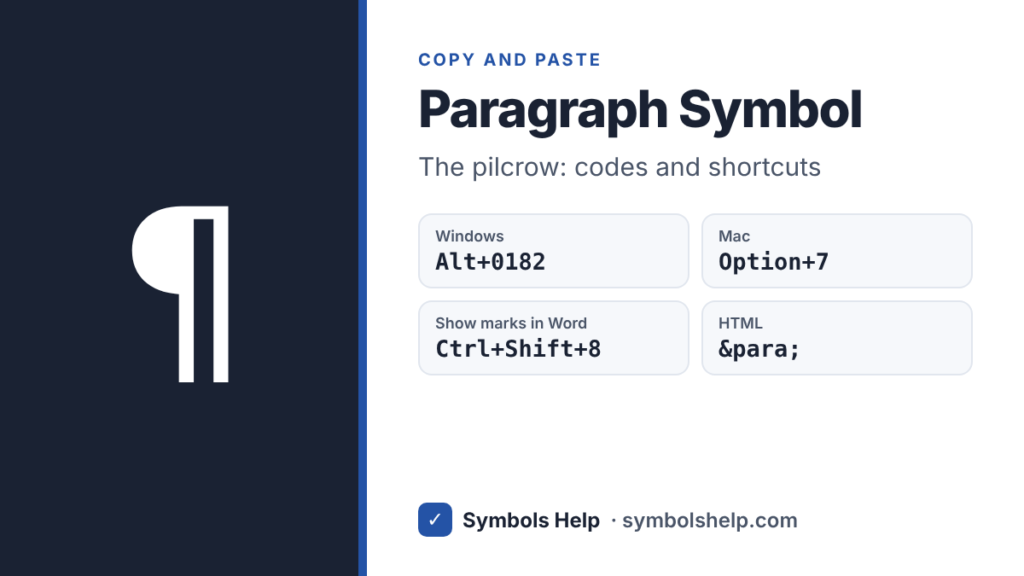
Copy the paragraph symbol ¶, also called the pilcrow, with one click below. On Windows, hold Alt and type 0182 on the number pad. On a Mac, press Option + 7. If you only want to see or hide the ¶ marks in Word, press Ctrl + Shift + 8.
Pilcrow (paragraph sign)U+00B6
Paragraph and pilcrow symbols · Click any symbol to copy it.
Paragraph symbol codes
| Sign | HTML | Alt |
|---|---|---|
| ¶ Pilcrow | ¶ | 0182 or 20 |
| ⁋ Reversed pilcrow | ⁋ | None |
| ❡ Ornament | ❡ | None |
| § Section sign | § | 0167 or 21 |
Both Alt codes give ¶. Alt + 0182 uses the Windows-1252 character set and Alt + 20 uses the old DOS set. For every other code, paste ¶ into our Unicode converter.
How to type the paragraph symbol
| Where | Keys |
|---|---|
| Windows | Alt + 0182 on the number pad |
| Mac | Option + 7 |
| Microsoft Word | Type 00B6, then Alt + X |
| Chromebook | Ctrl + Shift + U, then b6 and Space |
| Android | Second symbol page on Gboard |
| iPhone | Copy it, or save it as a text shortcut |
On a laptop without a number pad, press Windows key + . (period), click the Ω tab and look in the punctuation symbols. Our Mac guide and phone guide have more shortcuts.
The ¶ button in Word and Google Docs
Most people meet the pilcrow as a button, not a character. Text editors use it to show where each paragraph ends.
Microsoft Word
Click the ¶ button on the Home tab, or press Ctrl + Shift + 8 (Command + 8 on a Mac). Word then shows a ¶ at the end of every paragraph, a dot for every space and an arrow for every tab. These marks never print. Press the same keys again to hide them. Our Word guide covers inserting the real character.
Google Docs
Go to View > Show non-printing characters. Google Docs then marks each paragraph end the same way.
Seeing these marks is the fastest way to find a double space, an empty line or a stray page break that is spoiling your layout.
How the pilcrow is used
- Legal writing: ¶ 12 means paragraph 12 of a document, and ¶¶ 12 and 13 means paragraphs 12 and 13.
- Proofreading: an editor writes ¶ in the margin to say “start a new paragraph here”.
- Websites and documentation: some sites show a small ¶ next to a heading as a link to that exact spot.
- Footnotes: in the old order * † ‡ § ‖ ¶, the pilcrow was the sixth mark. Our section sign page explains that list.
Paragraph symbol examples
Here is how ¶ looks in real use.
Legal: ¶ 12 means paragraph 12 of a contract or court filing. ¶¶ 12 and 13 means paragraphs 12 and 13.
Proofreading: an editor writes ¶ in the margin where a new paragraph should start.
Websites: some documentation sites put a small ¶ next to a heading. Clicking it copies a link to that exact heading.
In each case the sign stands for the word “paragraph”, and a space follows it before the number.
Pilcrow vs section sign
The two signs are partners in legal writing. ¶ points to a paragraph of a document and § points to a section of a law. They sit next to each other in the old footnote order, and you can copy both from the tool at the top of this page. The section sign page has the full story of §.
| Sign | Name | Alt code |
|---|---|---|
| ¶ | Pilcrow (paragraph sign) | Alt + 0182 |
| § | Section sign | Alt + 0167 |
Where the ¶ shape comes from
Medieval scribes marked the start of a new thought with a C, for capitulum, Latin for “little head” or chapter. Over time they added lines through it, and the C filled in to become ¶. One popular story says scribes left a blank space for a red pilcrow to be painted in later. When the painter never came, the empty gap stayed, and that is how paragraph indents began.
Frequently asked questions
What is the Alt code for the paragraph symbol?
Alt + 0182 on the number pad. Alt + 20 also works.
How do I type ¶ on a Mac?
Press Option + 7.
How do I turn off the ¶ marks in Word?
Click the ¶ button on the Home tab again, or press Ctrl + Shift + 8. If they still show, open File > Options > Display and untick “Show all formatting marks”.
Why is it called a pilcrow?
The name grew out of paragraphus, the old word for the mark, which changed over centuries of use into the English word pilcrow.
What is the HTML code for the pilcrow?
¶ or ¶.
How do I insert ¶ in Google Docs?
Go to Insert, then Special characters, and search for “pilcrow”. Click the ¶ to insert it. You can also copy it from this page and paste it in.
What is the reversed pilcrow ⁋ used for?
It is an old form of the paragraph mark, mostly seen in historical texts and as a decorative character. It has no Alt code, so copy it from the tool at the top of this page.
Sources: the Unicode code charts for Latin-1 Supplement (U+00B6) and General Punctuation (U+204B), and Microsoft Support, Word Options (Display). Written by Muhammad Ilyas, updated October 2026.
More writing symbols: the section sign §, the em dash and bullet points.
About this page
- Written and checked by: Muhammad Ilyas
- Last updated: November 21, 2026
- Source: Unicode code chart: Latin-1 Supplement (U+00B6)