

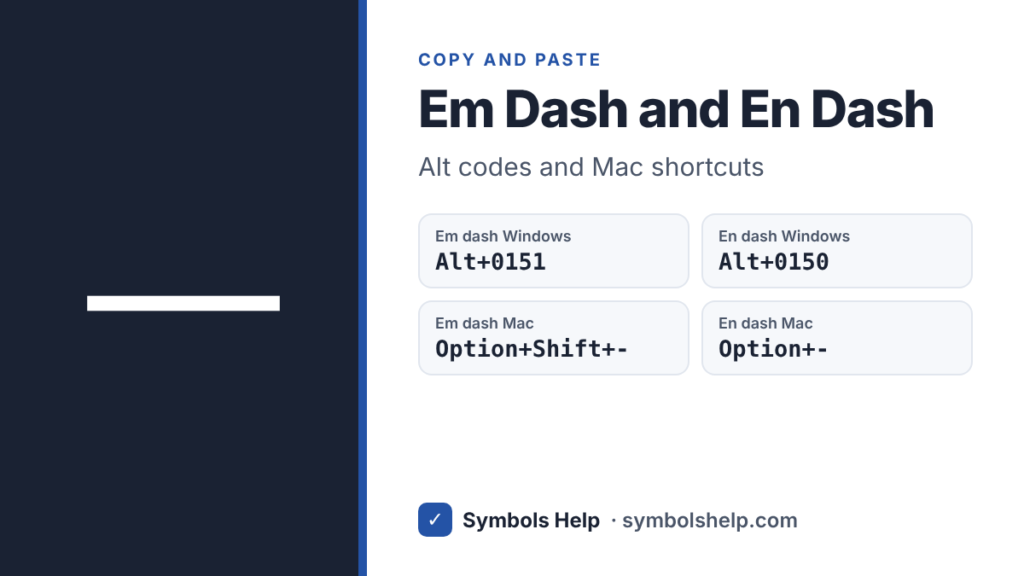
Copy the em dash — or the en dash – with one click below. On Windows, hold Alt and type 0151 for the em dash or 0150 for the en dash. On a Mac, press Option + Shift + hyphen for the em dash and Option + hyphen for the en dash.
Em dashU+2014
Dash symbols · Click any symbol to copy it.
Em dash, en dash, hyphen and minus
They look alike, but each one has its own job.
| Sign | Name | Use it for |
|---|---|---|
| — | Em dash | A break in a sentence |
| – | En dash | Ranges, like 9–5 |
| – | Hyphen | Joining words, like well-known |
| − | Minus sign | Math, like 7 − 2 |
The names come from old printing. The em dash was about as wide as a capital M, and the en dash about as wide as a capital N.
How to type an em dash and an en dash
| Where | Em dash — | En dash – |
|---|---|---|
| Windows | Alt + 0151 | Alt + 0150 |
| Mac | Option + Shift + – | Option + – |
| Word | Ctrl + Alt + num – | Ctrl + num – |
| Phone | Hold the – key | Hold the – key |
| HTML | — | – |
Windows
Alt codes need the number pad with Num Lock on. On a laptop without one, press Windows key + . (period), click the Ω tab and open General Punctuation. Our Alt codes guide has more help.
Microsoft Word
“num -” means the minus key on the number pad. Word also changes dashes for you as you type. Type two hyphens between two words, like word–word, and Word makes an em dash. Type a word, a space, a hyphen, a space and another word, and Word makes an en dash. Press Ctrl + Z right away if you want the hyphens back. Our Word guide lists more shortcuts.
Mac, Chromebook, Google Docs and phones
On a Chromebook, press Ctrl + Shift + U, type 2014 for the em dash or 2013 for the en dash, then press Space. On a Mac, the hyphen key is the one next to 0. In Google Docs, use Insert > Symbols > Special characters and search for “em dash”. On iPhone and most Android keyboards, press and hold the hyphen key on the number page and slide to the dash you want. See our phone symbols guide.
When to use an em dash
An em dash marks a sudden break or adds extra detail, a bit stronger than a comma and lighter than brackets.
- Adding detail: The key—the small brass one—opens the back door.
- A sudden turn: I opened the box and found—nothing.
- Before a summary: Bread, milk, eggs—the list was short.
Spacing depends on the style you follow. Most American books and the Chicago Manual of Style use no spaces: word—word. News writers who follow AP style add a space on each side: word — word. Pick one and use it the same way everywhere.
Do not overdo it. Two or three em dashes on a page are plenty. If a sentence has more, a comma, a colon or a new sentence usually reads better.
When to use an en dash
- Ranges of numbers, dates and times: pages 10–20, 1990–2000, 9:00–5:00.
- Scores and votes: the team won 3–1.
- Connections between two places or people: the New York–London flight.
With from or between, use words instead: write “from 10 to 20”, not “from 10–20”.
The other dashes
Unicode has a few more dashes for special jobs. You can copy all of them from the tool above.
| Sign | Use |
|---|---|
| ‒ Figure dash | Inside numbers, like a phone number, because it is as wide as a digit |
| ― Horizontal bar | Before a quotation in some languages |
| ⸺ Two-em dash | Missing letters in a word |
| ⸻ Three-em dash | A whole missing word, or a repeated author name in a bibliography |
| ‐ Hyphen | A true hyphen, used by typesetters |
Frequently asked questions
What is the Alt code for the em dash?
Alt + 0151 on the number pad. The en dash is Alt + 0150.
How do I type an em dash on a Mac?
Press Option + Shift + hyphen. Option + hyphen gives the shorter en dash.
What is the difference between an em dash and an en dash?
The em dash — is longer and breaks up a sentence. The en dash – is shorter and shows a range, like 2010–2020.
Should there be spaces around an em dash?
Both styles are correct. Chicago style uses no spaces, and AP style puts a space on each side. Just stay consistent.
Can I just type two hyphens?
In plain text and emails, two hyphens (–) are a common stand-in. In anything you publish or print, use the real em dash, which looks cleaner.
Sources: the Unicode code charts for General Punctuation (U+2010 to U+2015) and Supplemental Punctuation (U+2E3A, U+2E3B). Written by Muhammad Ilyas, updated October 2026.
More writing symbols: bullet points, check mark and every code in the Alt Code Finder.
About this page
- Written and checked by: Muhammad Ilyas
- Last updated: October 25, 2026
- Source: Unicode code chart: General Punctuation (U+2014)