

Copy the pound sign £ with one click below. On Windows, hold Alt and type 0163 on the number pad. On a Mac with a US keyboard, press Option + 3. On a UK keyboard it has its own key: Shift + 3.
Pound signU+00A3
Pound sign and related symbols · Click any symbol to copy it.
Pound sign codes
Here is £ and the signs that are easy to mix up with it, with the HTML code and the Windows Alt code. Each sign in the tool above also shows its Unicode number.
| Sign | HTML | Alt |
|---|---|---|
| £ Pound sign | £ | 0163 or 156 |
| # Number sign | # | 35 |
| ₤ Lira sign | ₤ | None |
| ℔ Pound weight | ℔ | None |
| € Euro sign | € | 0128 |
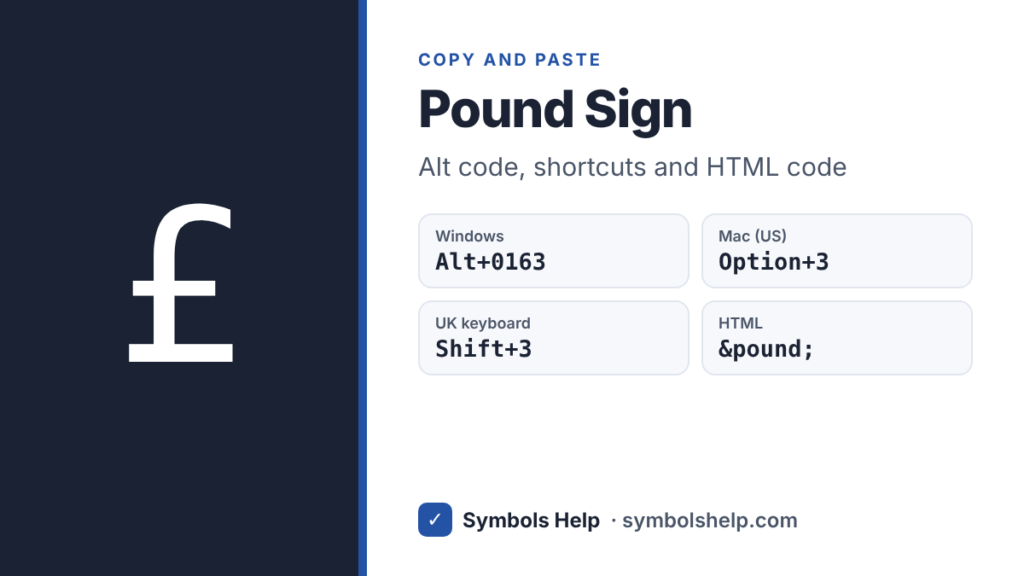
Both Alt codes give £. Alt + 0163 uses the Windows-1252 character set and Alt + 156 uses the old DOS set, so you can use whichever you remember. Our Alt Code Finder lists every code that exists.
How to type the pound sign
The quickest way depends on your keyboard. Find yours in this list.
| Keyboard | Keys |
|---|---|
| Windows, UK keyboard | Shift + 3 |
| Windows, US keyboard | Alt + 0163 on the number pad |
| Windows, US-International | AltGr + Shift + 4 |
| Mac, US keyboard | Option + 3 |
| Mac, UK keyboard | Shift + 3 |
| Microsoft Word | Type 00A3, then Alt + X |
| Chromebook | Ctrl + Shift + U, then a3 and Space |
| iPhone and Android | Hold the $ key |
Windows
On a UK keyboard, £ is printed on the 3 key, so Shift + 3 is all you need. On a US keyboard, turn on Num Lock, hold Alt and type 0163 on the number pad. No number pad on your laptop? Press Windows key + . (period), click the Ω tab and open the currency symbols. Our Alt codes guide explains the details.
If Shift + 3 gives # on a UK keyboard, Windows is set to the US layout. Switch it in Settings > Time & language > Language & region, or press Windows key + Space to change layouts.
Mac
Option + 3 on a US keyboard, Shift + 3 on a UK one. On a UK Mac, Option + 3 gives # instead, which surprises a lot of people. Our Mac symbols guide has more shortcuts.
Microsoft Word and Google Docs
In Word, type 00A3 and press Alt + X. In Google Docs, go to Insert > Symbols > Special characters and search for “pound”. See our Word guide and Google Docs guide for more ways.
Excel and Google Sheets
For prices, format the cells instead of typing £. In Excel, open Format Cells > Number > Currency and pick £ English (United Kingdom). In Google Sheets, use Format > Number > Custom currency. For the sign on its own, =UNICHAR(163) gives £.
iPhone and Android
Open the number keys, then press and hold the $ key. A small menu pops up with £, € and other signs. If you add the English (UK) keyboard, £ shows up as a normal key.
HTML, CSS and LaTeX
In HTML, use £ or £. In CSS, use content: "\00A3";. In LaTeX, use \pounds.
Why Americans call # the pound sign
In the UK, “pound sign” means £. In the US, it usually means #, the key you press on a phone menu. The # has nothing to do with money. The # most likely grew out of ℔, a handwritten “lb” with a line through it, which is the short form for pounds of weight. Over time the quick handwritten version became #.
So if an American phone system says “press pound”, press #. If a British friend asks for the pound sign, they want £. Brits call # the hash key, and many people now just say hashtag.
Where the £ sign comes from
The £ is a fancy capital L. It comes from libra, the Latin word for a Roman pound weight, which also gives us the “lb” for pounds. The line across it marks it as an abbreviation. You will sometimes see it written with two lines, but Bank of England notes have used the one-line style since 1975. In Unicode, the two-line ₤ is a separate character called the lira sign.
How to write prices in pounds
Put the sign before the number with no space: £5 or £12.99. For amounts under a pound, people in the UK use p for pence: 50p, said “fifty pee”. There is no special pence symbol. The ¢ sign is for US cents, so do not use it for pence.
The official code is GBP. Write GBP 12.99 when your readers may be in several countries, since other currencies also use the £ sign.
| Currency | Code |
|---|---|
| Pound sterling (UK) | GBP |
| Egyptian pound | EGP |
| Lebanese pound | LBP |
| Syrian pound | SYP |
| Sudanese pound | SDG |
| Falkland Islands pound | FKP |
| Gibraltar pound | GIP |
For other money signs, see the euro symbol € and our full list of currency symbols.
Frequently asked questions
What is the Alt code for the pound sign?
Alt + 0163 on the number pad, with Num Lock on. Alt + 156 also works.
How do I type £ on a US keyboard?
On Windows, press Alt + 0163. On a Mac, press Option + 3. Shift + 3 on a US keyboard gives #, not £.
Why does Shift + 3 give me # instead of £?
Your computer is set to the US keyboard layout. Change it to English (UK) in your language settings, and Shift + 3 will give £.
Is £ the same as ₤?
They look alike, but they are different characters. £ is the pound sign. ₤ is the lira sign, which is rarely used, and Unicode even says £ works for the lira too. Use £ for pounds.
What is the HTML code for the pound sign?
£ or £. Both work in every browser.
Sources: the Unicode code charts for Latin-1 Supplement (U+00A3) and Currency Symbols (U+20A4), and the ISO 4217 list of currency codes. Written by Muhammad Ilyas, updated October 2026.
More money signs: the euro symbol €, all currency symbols and our symbol finder with over 240 symbols.
About this page
- Written and checked by: Muhammad Ilyas
- Last updated: October 17, 2026
- Source: Unicode code chart: Latin-1 Supplement (U+00A3)