

Paste any symbol below to see all of its codes at once: the Unicode number, HTML code, CSS and JavaScript escapes, UTF-8 bytes, URL code and the Windows Alt code. It also works the other way. Paste a code like U+2713, © or € and you get the symbol back.
Paste a symbol to see its codes, or paste a code (U+2713, ✓ or ✓) to see the symbol.
The converter runs in your browser, so nothing you type is sent anywhere.
What each code is for
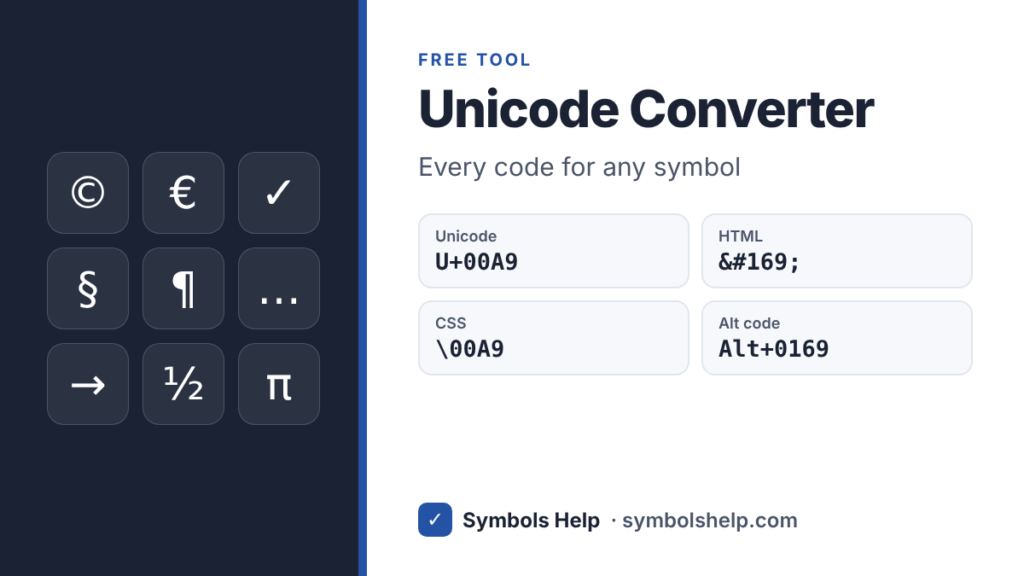
Here is what every line in the tool means, using the copyright sign © as the example.
| Code | What it is for |
|---|---|
Unicode U+00A9 | The official number of the character. Use it to look a symbol up or to type it in Word with Alt + X. |
HTML code © | Shows the symbol on a web page. Works in every browser. |
HTML hex © | The same as the HTML code, written with the hex number. |
HTML name © | An easy to remember name. Only some symbols have one. |
CSS \00A9 | Adds the symbol with CSS, inside content: “”. |
JavaScript \u00A9 | Puts the symbol inside a JavaScript string. |
UTF-8 C2 A9 | The bytes a file stores for the symbol. |
URL %C2%A9 | The symbol written safely inside a web address. |
Alt code Alt + 0169 | Types the symbol on Windows with the number pad. |
How to use the converter
- Copy a symbol from anywhere, for example from our symbol finder.
- Paste it into the box. Each character gets its own card with every code.
- Press Copy next to the code you need and paste it into your page, document or program.
- To go the other way, paste a code such as U+00B6, € or \u2713. The tool shows the matching symbol.
The tool shows up to 12 characters at a time, which keeps it fast on phones.
Code points and UTF-8 in plain words
Every character in Unicode has a number called a code point. It is written as U+ and a hexadecimal number, like U+0041 for A or U+20AC for the euro sign €. Unicode has room for more than a million of them.
UTF-8 is the way most files and web pages store those numbers. Plain English letters take one byte, letters like é take two, most symbols like € take three, and emoji take four. That is why a short line full of symbols can be bigger than it looks.
Why one symbol can show two codes
Some things that look like a single character are really two or more. The converter shows each part on its own card, so you can see exactly what you copied.
| What you see | What is inside |
|---|---|
| ❤️ red heart emoji | ❤ U+2764 plus U+FE0F, an invisible mark that asks for the emoji style |
| é typed on some phones | e plus U+0301, a combining accent, instead of the single é U+00E9 |
| A flag emoji | Two regional indicator letters, like the letters U and S for the US flag |
This also explains why a search for é sometimes misses a word that looks the same. One version is one character and the other is two.
Which HTML code should you use?
If your page starts with <meta charset="utf-8">, which almost every modern site does, you can paste the symbol itself into your HTML. Codes are still handy in three cases: when an editor or email tool breaks symbols, when you want to see clearly which character is there, and for &, < and >, which must always be written as &, < and >.
Named codes like © are easier to read. Number codes like © work for every symbol, including the ones with no name.
Frequently asked questions
How do I find the Unicode number of a symbol?
Paste it into the converter above. The first line on its card shows the number, like U+2713 for ✓. In Word you can also put the cursor after the symbol and press Alt + X.
What does U+ mean?
It means “Unicode” and comes before the code point in hexadecimal. U+00A9 is the copyright sign, number 169 in decimal.
Does every symbol have an Alt code?
No. Only about 220 characters from the old Windows and DOS character sets have one. For the rest, use the Unicode number, or copy the symbol. Our Alt Code Finder lists all of them.
Is my text sent to your server?
No. Everything happens in your browser, and the page does not store or send what you paste.
Can I convert a whole sentence?
Yes, paste it in and each character gets its own card. The tool shows the first 12 characters, so for longer text work in parts.
Sources: the Unicode Consortium FAQ on UTF-8 and encoding forms and the WHATWG HTML standard list of named character references. Written by Muhammad Ilyas, updated October 2026.
More tools: the Alt Code Finder, the symbol keyboard and our symbol finder. Popular codes: em dash and fractions.