

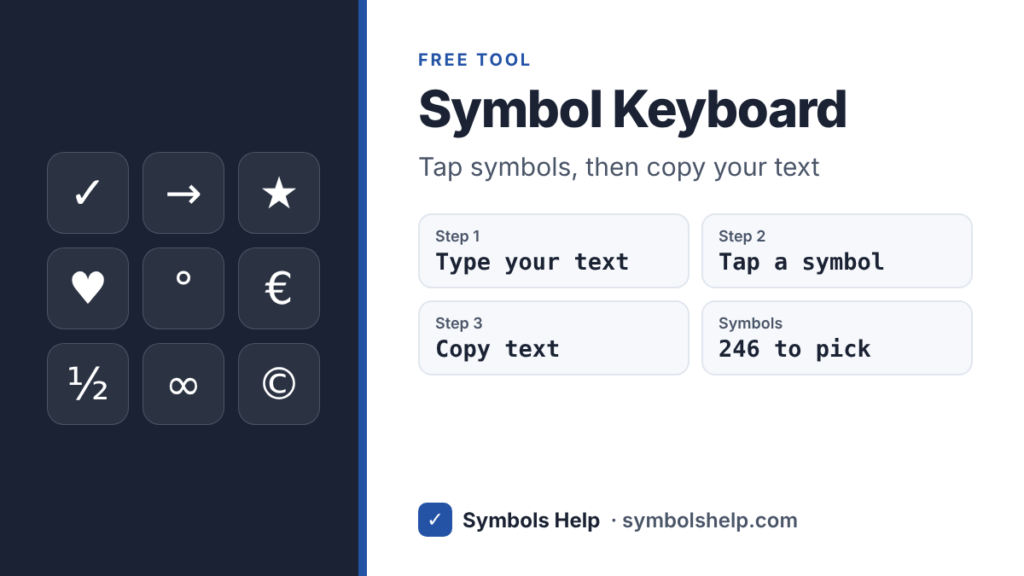
This free symbol keyboard lets you build text with symbols in it. Type your words in the box, tap symbols like ✓ → ★ ♥ ° or € to add them, then press Copy text and paste it anywhere. It works on phones and computers, with nothing to install.
Symbols you tap will show up here.
How to use the symbol keyboard
- Type in the box with your normal keyboard, or leave it empty.
- Pick a group, like Arrows, Math or Stars & Hearts. Popular has the 24 symbols people use most.
- Tap a symbol to add it. On a computer it goes where your cursor is. On a phone it goes at the end, unless you tap inside the text first.
- Use Space and Delete to fix things without opening your phone keyboard.
- Press Copy text and paste it into your message, document or bio.
The Recent group remembers the symbols you tapped last, so the ones you use often are always one tap away. Your text and your recent symbols are kept only in this browser on your own device. Nothing is sent to us, and you can wipe it any time with Clear.
What you can make with it
| Example | Good for |
|---|---|
| ★★★★☆ 4 out of 5 | Reviews and ratings |
| ✓ Done ✗ Not yet | Quick to-do lists in chats |
| Mon → Fri, 9am → 5pm | Opening hours and schedules |
| ☀ 25°C | Weather notes |
| ½ cup sugar | Recipes |
| x² + y² = z² | Homework and math notes |
| Price: €20 or £17 | Prices in other currencies |
Symbols are plain text, so they keep working when you paste them into WhatsApp, Instagram, email, Word or Google Docs. If you need one symbol many times, our Google Docs guide shows how to make Docs type it for you from a short code.
Names of the symbols on your keyboard
Your keyboard already has about 30 symbols. Here is what each one is called and which keys type it on a standard US keyboard.
| Symbol | Name | Keys |
|---|---|---|
| ` | Grave accent or backtick | Key left of 1 |
| ~ | Tilde | Shift + ` |
| ! | Exclamation mark | Shift + 1 |
| @ | At sign | Shift + 2 |
| # | Number sign, hash or pound | Shift + 3 |
| $ | Dollar sign | Shift + 4 |
| % | Percent sign | Shift + 5 |
| ^ | Caret | Shift + 6 |
| & | Ampersand | Shift + 7 |
| * | Asterisk | Shift + 8 |
| ( ) | Parentheses | Shift + 9 and 0 |
| – | Hyphen or minus | Key right of 0 |
| _ | Underscore | Shift + – |
| = | Equals sign | Key left of Backspace |
| + | Plus sign | Shift + = |
| [ ] | Square brackets | Keys right of P |
| { } | Curly braces | Shift + [ and ] |
| \ | Backslash | Key above Enter |
| | | Vertical bar or pipe | Shift + \ |
| ; | Semicolon | Key right of L |
| : | Colon | Shift + ; |
| ‘ | Apostrophe | Key left of Enter |
| “ | Quotation mark | Shift + ‘ |
| < > | Less than, greater than | Shift + , and . |
| / | Slash | Key left of right Shift |
| ? | Question mark | Shift + / |
On a UK keyboard a few keys move. Shift + 2 gives ” and Shift + ‘ gives @, Shift + 3 gives £, and # has its own key next to Enter.
Symbols your keyboard does not have
For symbols like © ° or ½, you have a few choices besides this tool. On Windows, use Alt codes, like Alt + 0176 for °. On a Mac, most symbols are an Option shortcut away, see our Mac guide. To search all 246 symbols by name, use our symbol finder.
Frequently asked questions
Is the symbol keyboard free?
Yes. There is no sign-up and no limit. Use it as often as you like.
Does it work on iPhone and Android?
Yes. It runs in your browser, so it works in Safari, Chrome and other mobile browsers. Tapping a symbol does not open your phone keyboard, which keeps the symbols in view.
Is my text saved?
Your text is saved in your own browser, so it is still there if you reload the page. It is never uploaded. Press Clear to remove it.
Why does a symbol show as an empty box after I paste it?
The app or font you pasted into has no drawing for that symbol. Common symbols like ✓ ★ → and ° work almost everywhere. Rare ones may not show on older phones.
What is the # symbol called?
It has several names. In the US it is often called the number sign or pound sign, most people now say hashtag or hash, and in music a similar sign ♯ is called sharp.
Sources: the Unicode Standard code charts for symbol names, and the standard US and UK keyboard layouts. Written by Muhammad Ilyas, updated October 2026.